Table of contents



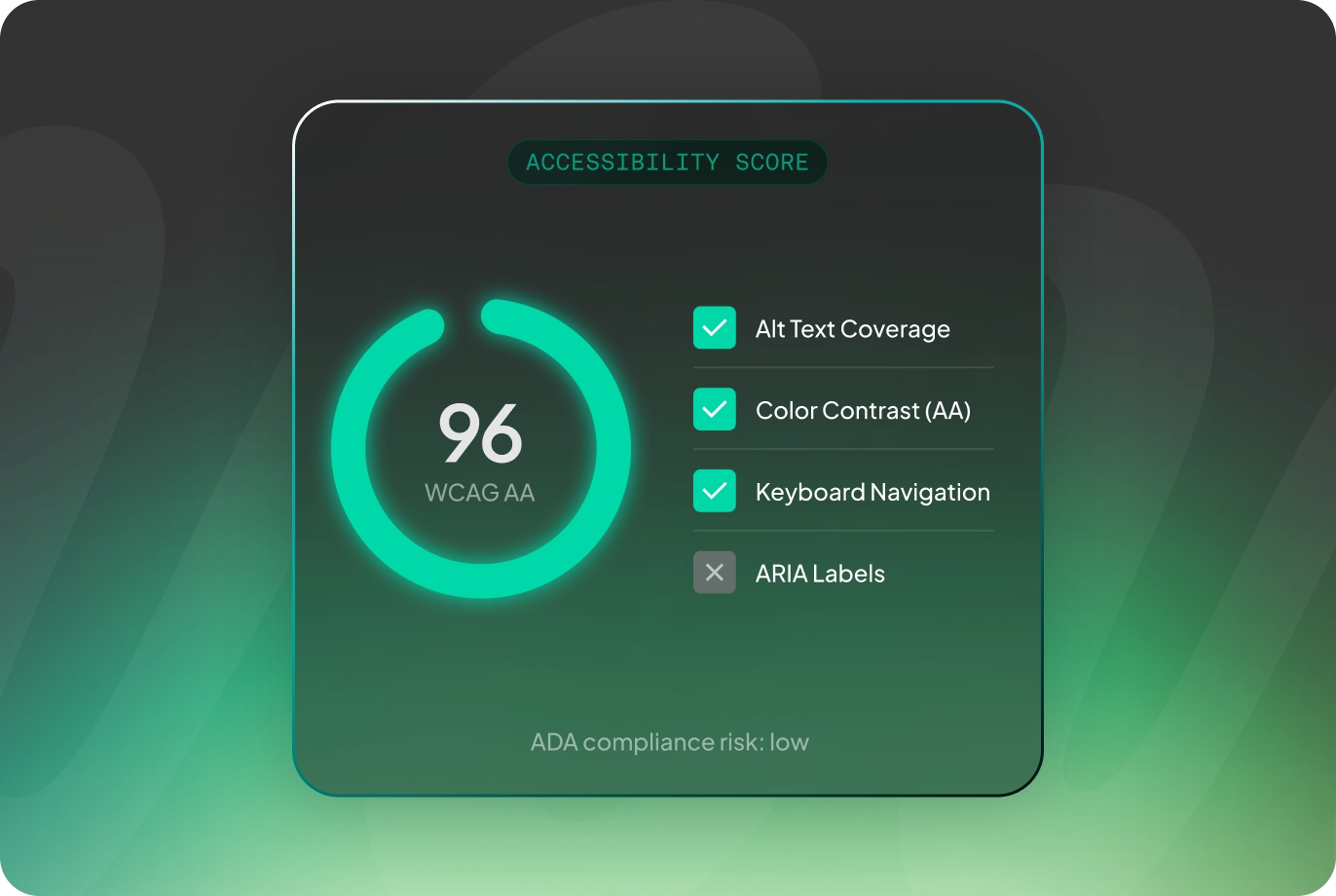
Your website should be accessible to every potential customer who wants to interact with your business. Beyond creating a better user experience, website accessibility has become an important consideration for legal compliance, search visibility, brand reputation, and long-term business growth.
Many organizations view accessibility as a technical requirement that can be addressed after a website launches. In reality, retrofitting accessibility into an existing website is often more expensive, time-consuming, and less effective than designing for accessibility from the beginning.
In this guide, we’ll explain why website accessibility should be a priority for growing businesses, how accessibility supports SEO, and the practical steps organizations can take to build more inclusive websites while reducing legal and business risk.
Website accessibility has become an increasingly important business consideration.
Organizations across industries have faced legal action over websites that create barriers for people with disabilities. While legal requirements vary depending on your business, industry, and location, accessibility is no longer something many organizations can afford to overlook.
Beyond legal considerations, inaccessible websites can also impact how customers perceive your business.
When visitors struggle to navigate your website, complete forms, read content, or access important information, it creates unnecessary friction. Those experiences can reduce trust and lead potential customers to choose a competitor with a more accessible digital experience.
For businesses investing heavily in marketing and lead generation, losing qualified visitors because of preventable accessibility issues represents a significant missed opportunity.
Many businesses treat accessibility and SEO as separate initiatives.
In practice, they share many of the same best practices.
Search engines reward websites that are well structured, easy to understand, and provide a positive user experience. Many accessibility improvements support those same goals.
For example:
Although accessibility alone does not guarantee higher rankings, improving accessibility and SEO together often results in a website that performs better for both users and search engines.
Building an accessible website involves many considerations, but several fundamentals provide the greatest impact.
Images should include meaningful alternative text that describes their purpose.
This allows screen readers to communicate important visual information to users who cannot see the image.
Decorative images generally do not require descriptive alternative text, while functional images should clearly explain their purpose.
Text should maintain sufficient contrast against its background so users with visual impairments can read content comfortably.
Light gray text on a white background may look modern, but it often creates readability challenges for many users.
Strong contrast improves accessibility while benefiting every visitor.
Not every visitor uses a mouse.
Users should be able to navigate menus, forms, buttons, and interactive elements using only a keyboard.
Providing visible focus states also helps users understand where they are while navigating.
Pages should use proper HTML elements for headings, lists, buttons, navigation, and forms.
Semantic structure improves the experience for assistive technologies while helping search engines interpret page content more accurately.
These core elements form the foundation of accessible website design.
Many accessibility issues remain unnoticed until someone intentionally evaluates the website.
A comprehensive accessibility audit typically reviews:
Automated tools can identify many common issues, but they cannot replace manual testing.
Real users interact with websites in ways automated scans cannot fully evaluate. Combining automated testing with manual review provides a much clearer picture of your website’s accessibility.
Many businesses wait until after launch to address accessibility concerns.
Unfortunately, that often means revisiting designs, rebuilding components, and rewriting code that could have been built correctly from the beginning.
When accessibility is considered early in the design process, decisions around layouts, typography, navigation, forms, and interactions naturally support a wider range of users.
This approach reduces development rework while creating a more consistent user experience across the entire website.
Accessibility should be viewed as a foundational design requirement rather than a checklist completed at the end of a project.
The platform you choose can also influence how easily accessibility can be maintained.
Webflow generates clean semantic HTML and provides developers with greater control over page structure than many visual website builders.
That flexibility allows teams to:
Like any platform, Webflow is only as accessible as the website built on it. However, its clean foundation makes it easier to implement accessibility best practices during development.
The most successful projects treat accessibility as an ongoing design consideration rather than a technical requirement.
That mindset influences every stage of a project.
Accessibility goals should be identified alongside business goals during project discovery.
Navigation, layouts, and user flows should account for different methods of interaction before visual design begins.
Typography, spacing, color choices, button styles, and interactive elements should prioritize readability and usability.
Developers should implement semantic HTML, keyboard support, accessible forms, and proper labeling throughout the website.
Accessibility testing should become part of the standard QA process before launch.
By incorporating accessibility throughout the project lifecycle, businesses reduce risk while creating better experiences for every visitor.
The Web Content Accessibility Guidelines (WCAG) provide internationally recognized recommendations for making websites more accessible.
While organizations have different legal obligations depending on their circumstances, many businesses use WCAG as the benchmark for evaluating accessibility.
Areas covered by WCAG compliance for business websites include:
Rather than treating WCAG as a one-time checklist, organizations should view it as an ongoing standard that guides future website updates and improvements.
Improving website accessibility delivers benefits that extend well beyond compliance.
Accessible websites often provide:
These improvements contribute to a stronger overall website experience, benefiting users regardless of whether they rely on assistive technologies.
As businesses continue investing in digital marketing, accessibility becomes an increasingly valuable component of long-term website performance.
Investing in website accessibility helps businesses reduce legal risk, improve user experience, strengthen SEO foundations, and create more inclusive digital experiences.
The most effective approach is building accessibility into the planning, design, and development process from the beginning rather than treating it as a post-launch task. Doing so creates a stronger foundation that supports both your users and your business as your website evolves.
If you’re planning a redesign or aren’t sure how your current website measures up, now is an excellent time to evaluate your site’s accessibility alongside its overall performance. Addressing these issues proactively is often significantly easier than trying to retrofit accessibility later.
Website accessibility is the practice of designing and developing websites that can be used by people with a wide range of abilities, including those who rely on assistive technologies such as screen readers or keyboard navigation.
ADA website compliance refers to designing and maintaining websites that are accessible to individuals with disabilities in accordance with applicable accessibility expectations. While legal requirements vary, many businesses use WCAG as the primary technical standard for accessibility.
There is significant overlap between accessibility and SEO. Clear page structure, descriptive alternative text, logical navigation, and improved usability all contribute to better experiences for users while helping search engines understand website content.
WCAG compliance for business websites means following the Web Content Accessibility Guidelines to improve accessibility across areas such as navigation, content structure, readability, forms, and interactive elements. These guidelines provide an internationally recognized framework for building more accessible websites.